Thermal Management in PCBA Design
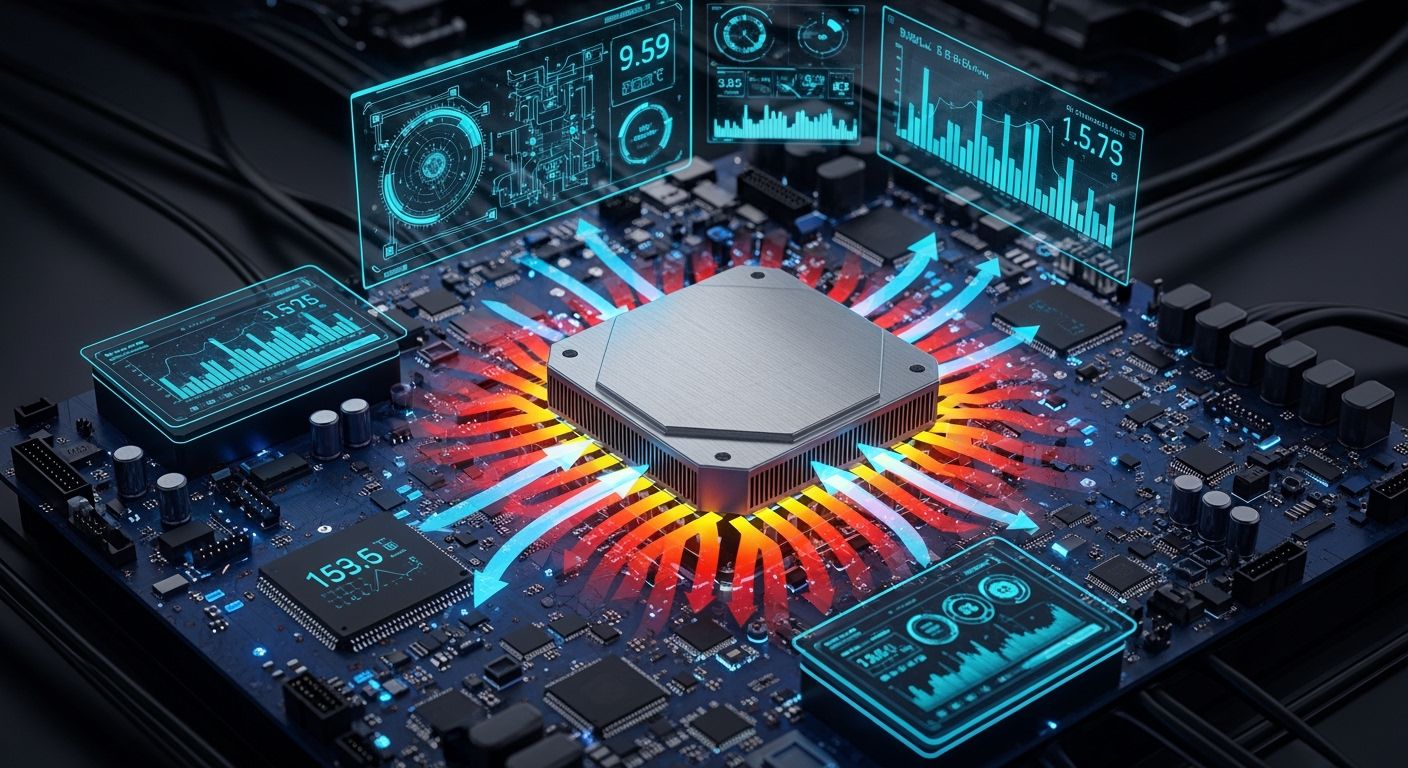
You need to think about thermal management in PCBA design. High power and complex systems make more heat. This means thermal control is very important. If you do not manage heat, parts can get too hot. Overheating can damage parts and cause the system to fail. Early thermal checks help lower high temperatures. They also make the system more reliable. Simulation tools and guides help keep PCB temperatures safe.
A new design lowered peak temperatures by 30%. This matches IPC-TM-650 rules.
The board always passes tough environmental tests. This lowers the chance of failures in the field.
Early thermal checks reduced compliance risks. They also made the product stronger.
Too much heat makes parts work less well.
Thermal runaway can ruin MOSFETs forever.
Broken solder joints stop signals in RF circuits.
Lower efficiency and higher resistance hurt performance.
Key Takeaways
Good thermal management stops parts from getting too hot. Overheating can break parts and cause the system to fail. - Simulation tools used early in design help find heat problems soon. This lets you fix them before they get worse. - Picking the right materials, like metal-core PCBs, helps move heat away. This makes devices last longer. - Placing parts in smart spots and using thermal vias can lower heat a lot. This is important for high-power designs. - Testing and checking thermal management often keeps devices safe. It also helps them work well.
Why Thermal Management Matters
Reliability and Performance
It is important to manage heat in electronic systems. Good thermal control helps devices work well. If you do not control heat, parts can break or stop working. Devices may shut down or act strange if they get too hot. Managing heat in pcb design helps stop these problems. This makes your devices last longer and work better.
Good thermal management keeps parts from getting too hot and safe.
Controlling heat helps devices work well and not break.
Managing heat well makes devices last longer and stay strong.
You can use simulation tools to check for heat problems before building. Early checks help you find and fix heat issues. This keeps your devices safe and working right.
Longevity of Electronic Assemblies
Managing heat also helps your devices last longer. If you control heat, you stop parts from wearing out fast. Your devices can work for many years. Using pcb thermal management like phase change materials or thermal vias helps a lot.
Evidence Description | Impact on Longevity |
|---|---|
Lowering top temperatures by about 20°C | Stops parts from wearing out |
Better temperature balance | Stops devices from losing power |
Phase change materials can soak up extra heat. Keeping the temperature even protects parts from heat damage. Controlling heat all the time helps batteries and other parts last longer.
Keeping temperature steady stops heat damage.
Better heat control helps batteries last longer.
You should always think about heat when you design. This keeps your devices safe and helps them last.
Sources of Heat in PCBAs
Knowing where heat comes from in your PCBA helps you control it. You need to find which parts make the most heat. Your design choices can change how well your board handles heat. Let’s see the main ways heat is made.
Power Components and ICs
High-power components are the biggest makers of heat in most PCBAs. When current goes through resistors or semiconductors, energy turns into heat. Voltage regulators and power transistors often make the most heat. They handle lots of power. The laws of thermodynamics show that energy lost in these parts becomes heat. This can make your board get hot fast.
High-power parts like voltage regulators, power transistors, and resistors make lots of heat.
Heat gets higher when current flows through these parts, especially if resistance is high.
If a part fails, nearby high-power parts must work harder. This makes even more heat.
If a part on your circuit board breaks, heat spreads out. The broken part cannot make high power anymore. Nearby parts must work harder to make more power. This makes more heat.
Environmental Factors
The area around your PCBA also changes how well it handles heat. High temperatures around your board make it harder to cool down. If your board is in a small space with little airflow, heat builds up faster. Without enough airflow, your board cannot cool down. Thermal problems get worse.
High temperatures around your board make heat transfer less good.
Small spaces without air movement trap heat inside the device.
Bad airflow stops cooling, which is important for thermal management.
PCB Layout and Density
How you place high-power parts and how crowded your board is matters for heat. If you put many high-power parts close together, heat flow density goes up. This can make semiconductors hotter and cause thermal breakdown if not managed well. Simple layout choices, like spreading out high-power parts and using thermal vias, help lower heat and make boards last longer.
The right substrate material and smart placement of high-power parts can help thermal performance. Adding thermal vias and heat sinks moves heat away from hot spots. This keeps your board safe.
More parts packed on PCBs means higher heat flow density. This can hurt how semiconductor devices work. If the junction temperature gets too high, it can cause thermal breakdown. This shows why good thermal management is needed in crowded designs.
By knowing these ways heat is made, you can make better choices for thermal management in your PCBA designs.
Consequences of Poor PCB Thermal Management
Reduced Component Lifespan
If you do not manage heat in your designs, every part is at risk. High heat can break down materials and make solder joints weak. Over time, this causes your devices to fail early. You might see parts stop working much sooner than you thought.
Too much heat makes electronic parts wear out faster.
High heat can hurt PCB materials and weaken solder joints.
Heat changes how parts work, which can raise resistance and cause signal issues.
Big temperature changes put stress on parts, causing cracks and layers to peel.
Heat can make fast circuits lose signals, which hurts how they talk to each other.
Hot parts use more power and do not work as well.
You can see that bad heat control makes your systems last less time. If you want your devices to last longer, you need to control hot spots and keep temperatures steady.
System Safety Risks
Thermal management is not just about making things last longer. It also keeps your systems safe. If you let things get too hot, you risk more than just broken parts. Some systems, like medical or flight controls, must always work. If they stop, people can get hurt.
High heat can make parts fail without warning.
Devices may not last as long because of heat stress.
Safety problems can happen in important systems, like medical or flight equipment.
Systems do not work as well when they run hot for too long.
The chance of failure goes up when inside parts get too warm.
Sometimes, overheating can even cause fires.
Hot semiconductors can act strange, making systems unstable.
Heating and cooling over and over can wear out materials.
Heat can move metal inside circuits, which may break connections.
Always check for hot spots in your design. This helps you avoid safety risks and keeps your electronic systems working well.
Performance Issues
Bad thermal management can also hurt how well your systems work. If you do not control heat, you may see errors or slowdowns. Water can lower the glass transition temperature of your board materials, making them weaker during soldering. Too much heat can crack the board or make layers come apart. Boards that bend from heat can make it hard to place parts right, which leads to more problems.
Water and heat together can make materials softer, causing more stress during soldering.
Too much heat stress can crack the board or break the glue between layers.
Boards that bend from heat may not line up right, which causes problems when placing parts.
If you want your electronic systems to work well, you must focus on heat control and thermal management from the start. This helps you avoid problems and keeps your devices working as they should.
PCB Thermal Management Techniques
You can use different ways to keep your PCBAs cool and working well. These steps help you control heat and stop common mistakes. Let’s see what you can do to make your pcb thermal management better.
Material Selection
Picking the right materials is the first thing you should do. Materials with high thermal conductivity move heat away from hot spots faster. Standard FR-4 does not move heat well, so it is not great for cooling. If you use halogen-free resins with special fillers, you get better results. Metal-core PCBs, like ones with aluminum or copper, are best for high-power circuits and LEDs. These materials help you handle heat in tough designs.
Material Type | Thermal Conductivity | Benefits |
|---|---|---|
Halogen-free resins with conductive fillers | Higher than unfilled epoxies | Helps the board lose heat better |
Metal-core PCBs (MCPCBs) | Best at moving heat | Great for LEDs and high-power parts |
Standard FR-4 does not move heat well (about 0.3 W/m·K).
Special resin systems and filled prepregs help heat move out.
Metal-core PCBs are the best for high-power designs.
If you pick materials that move heat well, your board stays cooler. This step is important for good cooling.
Component Placement
Where you put your parts changes how your board handles heat. You should put high-power parts in the middle of the board. This helps heat spread out more evenly. If you put hot parts too close, they can get too hot. You can also use thermal interface materials to help heat move from parts to heat sinks.
Put high-power parts in the middle for even heat.
Spread out hot parts to stop heat from building up.
Use thermal interface materials to help heat move to heat sinks.
Place layers so high-power parts are near the metal core.
Leave space for air to move and cool the board.
Technique | Description |
|---|---|
Component Placement | High-power parts should be in the center to let heat spread out. |
Trace Width and Thickness | Thick and wide copper traces help lower resistance and heat. |
Pad Design | Big and thick copper pads help spread heat better. |
Use of Thermal Vias | Thermal vias give heat a path to move out of the board. |
If you use these steps, you avoid mistakes like crowding hot parts or blocking air. Good part placement is an easy way to help pcb thermal management.
Thermal Vias
Thermal vias are tiny, copper-lined holes that help move heat between layers. You should put them near hot parts, like power transistors or microprocessors. These vias connect to ground planes or heat sinks, giving heat a way out. Good thermal vias can lower part temperatures by up to 30°C in high-power boards.
Thermal vias act like pipes, moving heat from top to bottom.
Use vias that are 0.3-0.5 mm wide and space them 1-1.5 mm apart.
Fill vias with special epoxy for even better heat movement.
Tip: Put thermal vias close to hot parts. This can make heat move up to 50% better.
Thermal vias are one of the best ways to move heat out. They help your board stay cool and make parts last longer.
Heat Sinks and Cooling Solutions
Heat sinks and other cooling tools help take heat away from your PCB. You attach heat sinks to hot parts to pull heat away and spread it out. Thermal interface materials fill small gaps between the part and the heat sink, making heat move better. You can also use fans or air channels to help cooling.
Attach heat sinks to high-power parts for better cooling.
Use thermal interface materials to lower resistance between parts and heat sinks.
Put temperature sensors near hot parts to watch the heat.
Make sure there is space for air and fans.
Cost Factor | Implication |
|---|---|
Material Selection | 20-30% of thermal cost comes from materials, which affects total cost. |
Fabrication Complexity | More complex boards cost more at first but may work better. |
Passive vs Active Cooling Methods | Using both types can save money and help thermal management. |
Simulation-Driven Choices | Early simulation can stop costly changes and help you follow rules without spending too much. |
Thermal interface materials help heat sinks work better by filling air gaps and lowering resistance. This step helps you get the most from your cooling.
Note: Using both passive and active cooling can balance cost and performance. Early simulation helps you choose the best options for your board.
By using these thermal management steps, you can stop common mistakes and keep your PCBAs safe and working well. Good pcb thermal management starts with smart material choices, careful part placement, well-planned thermal vias, and strong heat sink design. These steps help you control heat, move it away, and make your electronics last longer.
Thermal Simulation and Analysis
Simulation Tools
Thermal modeling helps you guess how heat will move in your PCB. You can use simulation tools before you build anything. These tools use math to show where hot spots might be. You can find problems early and fix them. Too much heat can break parts. Solder can melt and insulation can fail if heat is not controlled.
PCB thermal management uses software to guess how much heat is made and lost.
Thermal modeling lets you see and guess where heat goes in your system.
You can check how temperature changes each part.
Many engineers use special tools for thermal modeling and cooling checks. Here is a table with some popular tools and what they do:
Tool | Key Features |
|---|---|
ANSYS Icepak | Models hard heat transfer for ICs, PCBs, and assemblies. Uses CFD to check airflow and heat loss. Gives temperature accuracy within ±2°C. Shows how power parts affect traces. |
Simcenter Flotherm | Focuses on cooling electronics. Helps make layouts better for heat loss. Simulates forced air and airflow patterns. Shows temperature drops up to 20°C. |
You can use these tools to make your design and cooling better. They help you make sure your PCB thermal management works right.
Design Validation
After you finish thermal modeling, you need to check your design. You can use tests and measurements to see if your cooling works. Engineers use methods like ASTM D5470 for checking interface resistance, Hot Disk Transient for bulk conductivity, and thermal imaging for mapping surface temperature.
Test Method | Application | Key Standards |
|---|---|---|
ASTM D5470 | Interface thermal resistance | Steady-state measurement |
Hot Disk Transient | Bulk thermal conductivity | Material characterization |
Thermal Imaging | Surface temperature mapping | Heat distribution analysis |
You should check temperature ranges, how fast things change, and how well it works during use. How many cycles you test depends on what the device needs to do. Mechanical tests help you see how materials act under stress. You can measure how well things stick and do vibration tests.
You can use numbers like coefficient of thermal spreading, standard deviation of temperature, and the ratio of average to peak temperature rise. These numbers show how well your thermal management works. Good checking helps you meet rules and keeps your design safe.
Tip: Always write down your tests and results. This helps other engineers understand your work and do the tests again.
You can make electronic systems work better by using simple steps. Put thermal vias under hot parts to help heat move away. Use special materials to improve heat flow. Combine cooling methods for high-power systems. The table below shows how real designs made electronic systems better:
Case Study Description | Key Outcome | Thermal Management Strategy |
|---|---|---|
LED lighting with thermal vias | Lower temperature, longer life | Thermal vias for high-power electronic use |
Automotive control module | Cooler IC | Grid vias for heat in electronic systems |
Compact consumer electronics | Cooler processor | Staggered vias in tight electronic systems |
Keep learning about new cooling ideas. Test and check your systems often. Always make thermal management important for safe and strong electronic systems.
FAQ
What is the main reason you need thermal management in PCBAs?
You need thermal management to keep your electronic parts cool. This helps your devices work well and last longer. Too much heat can break parts and cause failures.
How do thermal vias help your PCB?
Thermal vias act like small pipes. They move heat from hot parts to cooler layers. You can place them under power components to lower temperatures fast.
Can you use fans for cooling your PCB?
Yes, you can use fans. Fans push air over your board. This helps remove heat quickly. You should use fans when passive cooling is not enough.
What materials work best for heat control in PCBs?
Material | Benefit |
|---|---|
Metal-core PCB | Moves heat very well |
Filled resin | Better than standard |
Standard FR-4 | Not good for cooling |
You should pick materials with high thermal conductivity for better cooling.
See Also
Evaluating Real-Time Temperature Profiles During Reflow Soldering
Effective Strategies to Enhance SMT Line Efficiency in PCBA
Essential Actions to Boost PCBA Durability and Reliability
Designing PCBs for Optimal SMT Manufacturing Processes
Essential Materials Required for Effective PCBA Manufacturing
