HMI (Human Machine Interface) PCBA Solutions
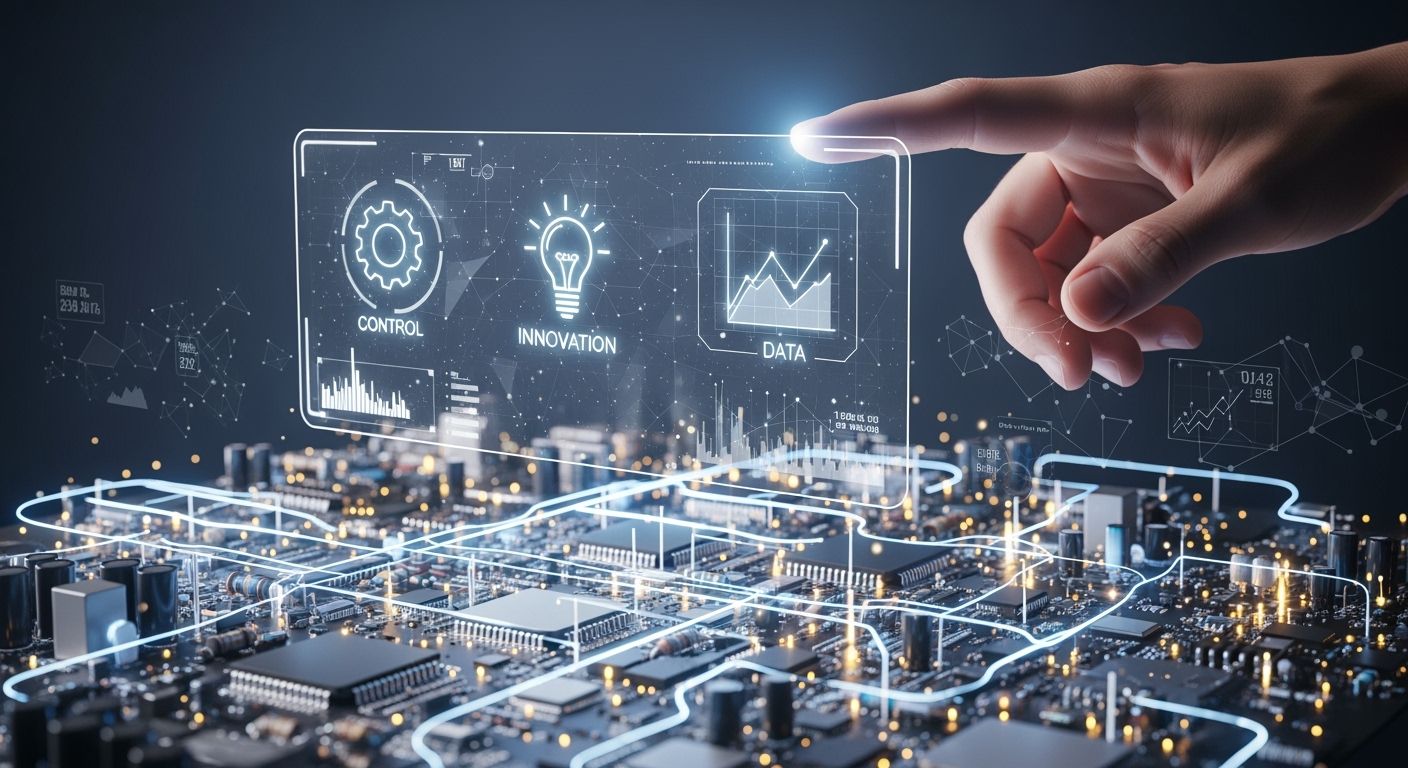
You use a Human Machine Interface to talk to machines and control hard systems. This solution gives you clear answers and makes using it safe and easy. Many businesses need strong HMI PCBA solutions to keep their machines working well.
Engineers and leaders trust these systems for quick answers and good work in hard places.
Key Takeaways
HMI PCBA solutions make machine control easier. They give real-time updates and let you manage everything from one place. - These systems are made to last a long time. They go through tough tests and use strong materials to handle hard conditions. - User experience is important. Easy-to-use designs and clear feedback help people use them better and make fewer mistakes. - HMI solutions help things work faster and smoother. This means less waiting and more work done in many industries. - Picking the right display is very important. Making sure it works with other devices helps the HMI system work well.
Human Machine Interface PCBA Overview
What Is an HMI PCBA Solution
You use a Human Machine Interface PCBA solution to work with machines. This system connects you to the equipment. You get real-time updates about how machines are doing. You control big systems with simple steps. You manage everything from one spot, which helps you do more.
You watch how things run and find problems fast.
You control machines without trouble, even if they are complex.
You use one interface instead of lots of buttons.
You cut down on downtime and make things more accurate.
A Human Machine Interface PCBA solution makes your work easier. You get clear feedback and quick answers. You can handle tough places and keep machines working well.
Core Components and Technologies
Every HMI PCBA solution has important parts. Each part helps the system work better and last longer. Here is a table that shows some main parts and what they do:
Component | Contribution to System Performance |
|---|---|
Phase Change Materials (PCM) | High thermal conductivity moves heat away fast. |
Enclosures | Protect inside parts and keep the system strong. |
Thermal Management Materials | Move air and control heat so the system stays cool. |
You also use keypads, displays, PCBAs, shielding, cables, housings, software, PLCs, sensors, and actuators. You pick the right display for your needs. You can choose TFT, OLED, LCD, or resistive touch screens. Custom solutions help you match the interface to your environment. You get better durability and easier supply chain management when you use one company for making and designing.
Custom HMIs make the user experience better with special features.
You pick display type and touch screen technology for your job.
You design for tough use if your machines face hard conditions.
You see new changes in medical devices, where reliability is very important. Engineers use fast development and strong materials to build better interfaces.
Four Stages of HMI Functionality
You follow four main steps when you use a Human Machine Interface PCBA solution. Each step changes how you use the system and how well it works. Here is a table that explains these steps:
Stage | Description | Impact on User Interaction | Impact on System Efficiency |
|---|---|---|---|
Phase 1: User Interface Design | Focuses on ergonomics, function, looks, and technology. | Makes the system easy to use and satisfying. | Improves how you interact with the machine. |
Phase 2: Study of the Structure | Sets up the layout and considers maintenance and information flow. | Helps you find information and move through the system easily. | Makes maintenance and data flow better. |
Phase 3: Interface Appearance | Designs how the interface looks for clarity and usability. | Helps you understand and use the system. | Shows data clearly and quickly. |
Phase 4: Implementing the Interface | Puts the design into action, focusing on data presentation. | Lets you engage with the system and get quality feedback. | Makes storing and finding data easier. |
You start with a clean and stable assembly. You use tools to check electrical function early. You keep the process clean so solder paste goes on right. This keeps signals strong and the system reliable.
You see how each step helps you work faster and safer. You get better results and less downtime. You can trust the Human Machine Interface PCBA solution to help you.
Key Benefits of HMI PCBA Solutions
Durability in Harsh Environments
You need a system that works well in hard places. Human Machine Interface PCBA solutions use strong materials and tough designs. These things help the circuit board last longer and stay safe. These systems get tested in many ways. Climatic environmental testing checks if the product can handle heat, cold, and wet air. Mechanical environment testing checks if it can take hits and shakes. Comprehensive environmental testing looks at how stable it is in rough places.
Testing Type | Description |
|---|---|
Climatic environmental testing | Tests products in different weather and temperatures. |
Mechanical environment testing | Checks if the product stays strong when hit or shaken. |
Comprehensive environmental testing | Looks at how well the product works in tough places. |
You also get help from thermal solutions. These designs move heat away from the board. This keeps the board cool and safe. Good materials make the board stronger and help it last longer.
Feature | Description |
|---|---|
High-Quality Materials | Using better materials makes the board last longer. |
Thermal Solutions | Good heat control keeps the board from getting too hot. |
Enhanced User Experience
You want a system that is easy to use. Human Machine Interface PCBA solutions focus on what you need. You get clear feedback and simple controls. The interface looks the same, so you learn it fast. Error prevention and recovery help you fix mistakes. You can change font sizes or pick how you want to use it. Accessibility rules make sure everyone can use the system.
User-centered design puts your needs first.
Consistency helps you learn faster.
Feedback gives you clear answers.
Simplicity keeps things easy.
Error prevention and recovery help you fix mistakes.
Customization lets you change things for yourself.
Accessibility rules help everyone use the system.
Operational Efficiency and Safety
You work faster and safer with these solutions. In optical manufacturing, you use special PCBs and real-time sensors. This setup cuts polishing time by 25% and makes surfaces smoother by 30%. You see fewer mistakes and better products. The process works the same way 99.8% of the time, which is good for making lots of things. You get safer work and spend less money.
Industry Sector | Challenge | Zero One Solution PCB Impact | Key Outcome |
|---|---|---|---|
Optical Manufacturing | Make very precise lenses and waste less material. | Uses special PCBs with smart controls and real-time sensors. | Cuts polishing time by 25%, makes surfaces 30% smoother, and lowers mistakes by 15%. The process works the same 99.8% of the time, makes more products, and costs less. |
Tip: You can count on Human Machine Interface PCBA solutions for good performance, easy use, and safer work.
Applications of HMI PCBA Solutions
Industrial Automation and Control Panels
Factories and plants use Human Machine Interface PCBA solutions. These systems help you run machines and manage work. You use one screen to watch everything at once. You get updates right away and can fix issues fast. You save time and money because you need fewer wires and controls.
Feature | Description |
|---|---|
Centralized Control | You handle all subsystems from one spot. |
Safety Compliance | Strong covers keep you safe from electric dangers. |
Customization | You get designs that fit your workspace and needs. |
Simple wiring and setup save money and speed up work. |
You run machines.
You handle signals.
You check how systems work.
You get real-time updates.
Tip: Using these solutions in factories makes work safer and faster.
Automotive and Transportation
Cars, trucks, and trains use HMI PCBA solutions. These systems help you use dashboards and controls. You get touch screens, voice commands, and clear displays. You see things like speed, fuel, and warnings. The system warns you about problems to keep you safe.
Touch screens let you change things fast.
Voice commands help you keep your hands on the wheel.
Displays show data and alerts right away.
You get a smoother and safer ride. You can trust the system to give you the right info when you need it.
Medical and Consumer Devices
You find HMI PCBA solutions in medical tools and home devices. You use touch and gestures to control machines. You see updates and alerts on screens. You can use voice commands to control things without touching them. Devices connect to the cloud for updates and remote help.
Rigid PCBs make devices strong and last longer.
Capacitive touch switches work longer than regular ones.
Strong materials keep devices safe from water and dust.
IP ratings make cleaning and sterilizing easy.
Approach | Benefit |
|---|---|
Integrated HMI Systems | You avoid expensive changes and meet medical rules from the start. |
Long Product Lifetimes | Devices last longer and follow rules in strict places. |
Controlled Change Management | You go from idea to finished product faster and with more confidence. |
Note: Medical devices must follow strict rules. You see tests and checks that make sure they are safe and work well.
You get easy-to-use controls that help you stay healthy and safe. New devices get made faster and work better.
Essential Features and Selection Tips
Display and Input Options
You need to pick the right display and input for your system. Different displays have their own benefits. The AUO A080SN01 V8 has an 8-inch screen. It shows SVGA resolution and has antiglare treatment. The EDATEC ED-MONITOR Series has screens from 7 to 21.5 inches. It can show up to 1920 x 1080 resolution. It is waterproof with IP67 rating and has touch controls. These features help you see clear pictures and use touch in tough places.
Feature | AUO A080SN01 V8 | EDATEC ED-MONITOR Series |
|---|---|---|
Size | 8.0-inch | 7-inch to 21.5-inch |
Resolution | SVGA 800 x 600 | Up to 1920 x 1080 |
Brightness | 250 cd/m² | Up to 500 nits |
Antiglare Treatment | Yes | Yes |
Waterproof Rating | N/A | IP67 |
Touch Functionality | N/A | Yes (via USB-C) |
You get more choices, stronger screens, and better touch response. Advanced displays make your interface easier and more fun to use.
Integration and Compatibility
You must connect your system to other devices and networks. Common problems are timeouts, network errors, protocol mismatches, and broken cables. These issues can stop your system from working well. You need to check for IP address conflicts and make sure cables are good.
Integrates CAN, Modbus, Ethernet, Wi-Fi, and Bluetooth.
Connects with PLCs, sensors, and cloud platforms.
Enables CAN, UART, and Ethernet data transfer.
These features help you link your system to many devices. You can watch your system from far away.
Compliance and Safety Standards
You must follow strict safety and quality rules. Extended temperature parts keep your system working in hot or cold places. EMI and RFI strategies lower interference. You need to use strong parts and test your system often.
Meets UL and IEC safety standards.
Uses ISO 9001 certified manufacturing.
Applies rugged assembly and protection like conformal coatings.
Manufacturer | Evidence of Compliance |
|---|---|
Keenfinity | Automated optical inspection and in-circuit testing. |
TopFast | AOI, X-ray for BGA, and environmental stress screening. |
Foxtronics | ISO 9001, IPC Class 2/3, RoHS, and REACH compliance. |
These steps make sure your system is safe and works well.
Choosing the Right Solution
You need to match your system to your job. Think about the environment, display and touch type, communication, strength, readability, brightness, and temperature. Make sure your system can handle electromagnetic interference.
Cost matters; balance features and price.
Scalability helps you make more devices without losing quality.
Customization lets you meet special needs and stay ahead.
Tip: Always check if your solution fits your project and meets industry standards.
You get lots of good things with strong HMI PCBA solutions. Stable display control helps your system work well. Reliable data communication lets your machines keep running. Simple user interfaces and quick answers make things safer and easier to fix. When you know about each part, like the graphic overlay, you can build better systems. You pick the right screen size, graphics, and how things connect. Use these ideas in your projects to do better work. HMI PCBA technology keeps changing, so you can handle new problems and smarter machines.
FAQ
What is the main purpose of an HMI PCBA solution?
You use an HMI PCBA solution to connect with machines. It helps you control equipment, see updates, and make changes quickly. This system makes your work easier and safer.
How do you choose the right display for your HMI?
You look at size, brightness, and touch features. Pick a display that fits your space and needs. Make sure it works well in your environment.
Tip: Always check if the display is easy to read and use.
Can HMI PCBA solutions handle tough environments?
Yes, you can use them in hot, cold, or wet places. Strong materials and special tests make sure the system lasts longer and stays safe.
What industries use HMI PCBA solutions?
You find these solutions in factories, cars, trains, hospitals, and homes. They help you control machines, check data, and keep things running smoothly.
How do you keep your HMI PCBA system safe?
You follow safety rules and use strong parts. Test your system often. Use covers and coatings to protect against dust, water, and shocks.
See Also
Exploring The Basics And Parts Of PCBA Technology
The Role Of Industrial Serial Screen PCBA Today
Essential PCBA Processing Needs For Medical Devices
