PCB Design Software Comparison: Altium, KiCad, Eagle
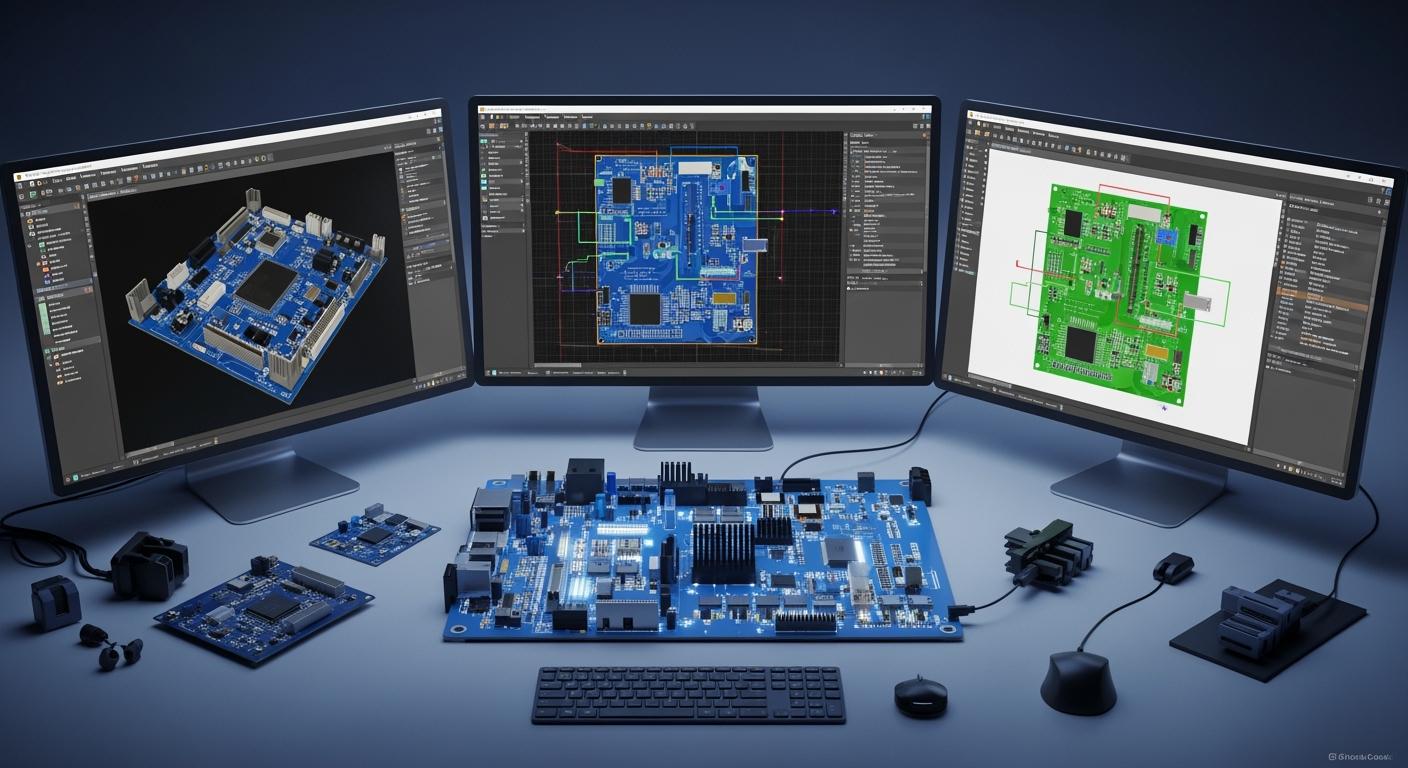
You want to pick the best pcb design software for you. Many professionals pick Altium Designer. It has advanced design features for hard pcb projects. Hobbyists and beginners like KiCad. It is open-source and has an easy interface. Eagle gives you good pcb design tools. It also has flexible licensing. Picking the right pcb design software helps you avoid mistakes. It also saves time when you make printed circuit boards. The right design process gives you better pcb results.
Key Takeaways
Picking the right PCB design software helps you work faster and make fewer errors in your projects.
Altium Designer works best for professionals who need advanced features. KiCad is a good free choice for hobbyists and students.
Eagle has an easy-to-use interface. It is great for beginners and small projects. You can start designing fast with Eagle.
Always choose software that fits your project size and skill level. This helps you get the best results.
Use community help and resources for KiCad and Eagle. These can make learning and fixing problems easier.
PCB Design Software Overview
What Is PCB Design Software
You use pcb design software to create and plan printed circuit boards. This software helps you draw the electrical connections and arrange the parts on your pcb. You can find many types of pcb design software in the electronics industry. Some of the most common ones include:
Altium Designer: You can use this for complex projects and large teams. It works best for professional engineers.
Eagle: You might choose this if you are a hobbyist or work in a small business. It is user-friendly and affordable.
KiCad: You get powerful tools without paying. Makers and open-source fans often use it.
OrCAD: You see this in industrial settings. It handles advanced simulation and complex layouts.
Each pcb design software gives you tools to make your pcb work well. The main functions include:
Core Function | Description |
|---|---|
Control Panel | You manage all software functions from here. It acts as your main interface. |
Library | You find and edit components for your pcb design in this section. |
Schematic | You place parts and connect pins to match your electrical needs. |
Board Layout | You arrange the physical layout of your pcb based on your schematic. |
You also get features like advanced routing, design rule checks, and support for multi-layer pcb designs. These help you avoid errors and make sure your pcb works as planned.
Why the Right PCB Tool Matters
When you pick the right pcb design software, you make your project easier and more successful. The right tool lets you design your pcb faster and with fewer mistakes. You can check your work with design rule checks and electrical rule checks. This means you catch problems before you build your pcb.
If you use a tool that fits your needs, you save time and money. For example, a hobbyist may want simple tools and free options. A professional may need advanced features for complex pcb designs. The right software helps you manage your parts, arrange your layout, and finish your pcb with confidence.
Tip: Always match your pcb design software to your project size and skill level. This helps you get the best results and avoid frustration.
Altium Designer Features
Key Capabilities
Altium Designer gives you many strong tools for pcb design. This software is for professionals who need advanced features. You can use the schematic editor to draw your circuit. It helps you connect all the parts. The pcb layout tools let you place parts and route them with care. Some important features are:
Signal integrity analysis checks your pcb for mistakes before building.
Constraint-driven design lets you set rules and follow them.
Layer stackup management helps with boards that have many layers.
Advanced place and route tools make routing quick and simple.
The 3d environment shows your pcb in real time.
The pcb library editor and schematic library editor help manage parts.
Built-in wizards help you make schematics and footprints faster.
Altium Designer supports bom and assembly output for making your board.
You can also use Altium Designer with other cad programs. This helps with teamwork and mechanical design.
Pros and Cons
Altium Designer has many good points but also some downsides. The table below lists the main pros and cons:
Pros | Cons |
|---|---|
Great 3d modeling tools | The software costs a lot |
Easy-to-use interface | Big designs may run slow |
Many features for pcb design | Some features do not work between versions |
Simple to learn and see | Full license is very expensive |
Works with version control | New features may not work well at first |
Keep your software updated to avoid problems and mistakes.
Pricing
Altium Designer has different ways to pay. You can buy a license for $6,000–$9,000 per seat. There are yearly fees of 15–22%. You can also get a subscription for $3,500–$7,500 per seat each year. Altium 365, the cloud version, costs $2,500–$5,000 per user per year. You might get 20–35% off if you buy more seats or sign up for many years.
Best For
Altium Designer is best for people in hardware companies or pcb engineers. It gives you one place for schematic, pcb layout, simulation, and output. You get fast design tools and strong support for rules and routing. The library editors help you pick the right parts. Real-time 3d lets you check if your board fits with other parts. Altium Designer is great for jobs in aerospace and telecommunications. These jobs need complex pcb layout and assembly. Many jobs ask for Altium Designer skills, so learning it can help your career.
KiCad PCB Software
Main Features
KiCad helps you with every step of pcb design. It is open-source and free to use. You do not need to worry about licenses. The schematic editor lets you draw and organize your circuit easily. KiCad works with any board size or layer count. You can make simple or complex pcb layouts. The 3d viewer shows your pcb in three dimensions. This lets you check if everything fits before assembly. KiCad has interactive routing and length tuning. You can use it on Windows, macOS, or Linux. The library editors help you manage symbols and footprints. You get a big library of parts. You can also add third-party libraries for more choices. Hierarchical schematics let you split big designs into smaller pieces. KiCad makes Gerber files for fabrication and assembly.
Strengths and Weaknesses
KiCad has many features, but it also has some downsides. The table below shows what people like and dislike:
Strengths | Weaknesses |
|---|---|
Easy to separate logical and physical design | Routing can be tricky |
Intuitive user interface | Interface quirks |
3d rendering integration | Graphical artifacts |
Design rule checker enforces rules during routing | Modifying placed tracks can be hard |
Google Maps-like board layout view | Problems with sub-tool integration |
FreeRouting integration for autorouting | Manual board outline creation can be confusing |
Easier library creation process | Loss of net association with vias during editing |
Tedious trace or copper fill reshaping | |
Visual artifacts and GUI issues |
The 3d viewer and design rule checker are very useful. Some users have trouble with routing and the interface. You may need patience while learning KiCad.
Cost
KiCad is totally free. You do not pay for licenses or upgrades. This makes it great for people who want to save money. You can use all features without limits. If you compare KiCad to paid cad programs, you save a lot. For example, five engineers using KiCad for five years pay nothing. Paid tools can cost up to $90,000 for the same time. You can use KiCad for personal, school, or work projects without worrying about cost.
Ideal Users
KiCad is good for anyone who wants a strong pcb design tool for free. Many hobbyists use KiCad for their own projects. It gives them advanced features at no cost. Students pick KiCad to learn schematic and pcb layout skills. Professionals and research groups use KiCad for complex designs. CERN helps develop KiCad, showing its value for big projects. Schools use KiCad for teaching and research because it is open-source and easy to share. You can use KiCad for any project, from simple boards to advanced assemblies. The community gives you strong support.
Eagle PCB Design
Core Features
Eagle PCB Design is simple to use. The interface is clean and easy to understand. You can start your schematic or pcb layout fast. Switching between schematic and pcb layout views takes one click. Eagle has strong routing tools that help you finish faster. There are many component libraries you can use. Eagle works with Autodesk Fusion 360 for 3d modeling and simulation. You can work with other people on the same pcb layout. Eagle runs on most operating systems. The table below lists the main features:
Feature | Description |
|---|---|
User-Friendly Interface | Clean and simple interface accessible for beginners and experienced designers. |
Affordability | Cost-effective option for small-scale and high-volume pcb manufacturing. |
Integration with Autodesk | Combines with Fusion 360 for impressive simulation facilities. |
Offers tools for both schematic capture and pcb layout, allowing easy switching between views. | |
Extensive Component Libraries | Includes a wide range of components, with access to additional parts from Autodesk library. |
Auto-Routing | Automatically routes traces, saving time during the layout phase. |
Compatibility with Operating Systems | Available on most operating systems, enhancing accessibility for users. |
Multi-User Capability | Allows multiple users to work simultaneously, reducing design time. |
3D Component Modeling | Adaptable to 3d components modeling, enhancing design visualization. |
Dynamic Part Data | Compatible with dynamic part data for improved design accuracy. |
Advantages and Drawbacks
Eagle has many good points. You can start designing even if you are new. Small companies and startups like Eagle because it is simple and cheap. The schematic editor helps you keep your design neat. Auto-routing tools make your work faster. But Eagle does not get updates often. Some people want more advanced features for hard pcb designs. The table below shows the main points:
Advantages of EAGLE | Drawbacks of EAGLE |
|---|---|
Good starter program for new engineers | Infrequent updates |
Useful in small design firms and startups | - |
Simpler toolset for beginners | - |
Tip: Eagle is good for simple pcb layout and routing. For harder designs, you may need other cad programs.
Licensing and Cost
Students and hobbyists can use Eagle for free. The free version lets you make small pcb designs and schematics. If you want more features, you can buy a subscription. Eagle costs less than other cad programs. You pay less for pcb layout and routing tools. Autodesk gives you different license choices for your project. Eagle is a smart choice for small pcb design and assembly.
Who Should Use Eagle
Eagle is great for hobbyists, students, and small projects. It is easy to use and does not cost much. Students use Eagle to learn how to make schematics and pcb layouts. Hobbyists like Eagle for quick pcb design and easy routing. Small businesses use Eagle for simple pcb layout and fast assembly. Professionals may want more advanced features for big projects. Eagle is not as strong as Altium Designer or other top cad programs. The table below shows who should use Eagle:
User Profile | Suitability | Reasoning |
|---|---|---|
Hobbyists | Best suited | Cost-effective solution with a user-friendly interface. |
Students | Ideal for learning and small projects | Free version available, convenient for beginners. |
Small-scale projects | Highly suitable | Low cost and easy handling features make it a popular choice for small-scale designs. |
Professional users | Not recommended | Lacks advanced features found in higher-end software like Altium Designer or OrCAD. |
Note: If you want to make complex pcb layouts or need advanced routing, try other cad programs.
PCB Design Software Comparison
User Interface & Experience
You use the interface to work with pcb design software. Altium Designer looks modern and has many tools. You see lots of options for schematics and layout. It feels professional, but you need time to learn it. KiCad gives you a flexible platform. You get the main tools for schematics and layout. The interface is simple, but you must set up your own way to work. Eagle is easy to use. You can start a schematic or layout fast. The menus are clear, and you can switch views with one click. Eagle makes it simple to manage libraries. You pick footprints when you choose parts. KiCad uses different libraries for symbols and footprints. This can be confusing for new users.
Altium Designer: Advanced look, hard to learn, costs a lot.
KiCad: Flexible, open-source, needs more setup.
Eagle: Easy to use, good for beginners and small jobs.
Tip: If you want to start fast, Eagle is a good choice. If you want more control, KiCad lets you change how you work. Altium Designer is best if you need advanced tools and can handle a harder program.
Learning Curve
It takes time to get good at pcb design software. Altium Designer takes the longest to learn. You must know many features and rules. KiCad is free, but you need extra time to learn its libraries and routing tools. Eagle helps you start quickly. You can make a simple two-layer board in two or three months. After six months, you can make four-layer boards and use basic routing. The table shows how long it takes to get better:
Proficiency Level | Time Required |
|---|---|
Basic boards | 3–6 months |
Complex designs | 1–2 years |
True proficiency | 3–5 years |
You learn how to make schematics, pick parts, and do layout and routing. You make changes in the schematic, and the board changes too. You also learn to use rules and make files for building your pcb.
Features & Libraries
You look at features and libraries to compare pcb design software. Altium Designer has advanced tools for schematics and layout. You get strong routing and rules. The built-in libraries are big. You can use cloud parts for making boards. KiCad works with multi-layer boards and hard circuits. The community adds new parts and features often. You get a strong schematic editor and layout tools. KiCad lets you see your board in 3d. Eagle has good schematic tools and lets you switch views easily. You get many parts from Autodesk. Eagle makes it easy to manage libraries.
Feature | Altium Designer | KiCad | Eagle |
|---|---|---|---|
Target Audience | Professional-grade for complex designs | Open-source for all users | User-friendly for beginners |
Schematic Capture | Advanced features for complex designs | Powerful tool for complex circuits | Robust tools for schematic capture |
PCB Layout | Advanced capabilities | Multi-layer board support | Easy switching between views |
Component Libraries | Extensive built-in and cloud-based | Growing community-contributed library | Extensive library with Autodesk exchange |
3D Visualization | Not specified | Yes | Not specified |
Note: Altium Designer has the most advanced features and libraries. KiCad gets better with help from the community. Eagle gives you a good balance of features and is easy to use.
Support & Community
You need help when you use pcb design software. KiCad has a strong community. You can find forums, guides, and documents. The community adds new features and libraries. You get help from other users. Eagle has a big user group because it works with Autodesk. You can find many guides and tips. Altium Designer gives you official support and tools for working with others. You get technical help and support for big jobs. The community is smaller, but you can find help on Altium’s website.
KiCad’s community helps you fix problems. You get answers in forums and guides. Eagle’s community gives you tips and library updates. Altium Designer gives you official help for hard design and building needs.
Tip: If you want help from other users, KiCad and Eagle are good. If you want official help and advanced tools, Altium Designer is the best.
Cost Comparison
You compare pcb design software by how much it costs. Altium Designer is expensive. You pay for advanced tools, support, and team features. KiCad is free. You do not pay for a license. You might pay for training or help, but the software is free. Eagle is not expensive. You pay less than for Altium Designer. Eagle is good for simple jobs and small companies.
Software | Cost Type | Features and Support |
|---|---|---|
Altium Designer | Premium Pricing | Advanced features, technical support, enterprise collaboration tools |
KiCad | Free | No licensing cost, but potential indirect costs for training and support |
Eagle | Affordable | Positioned for simpler projects, more budget-friendly than Altium |
Note: If you want to save money, KiCad is the best. Eagle gives you good features for less money. Altium Designer is best for people who need advanced tools and support.
Side-by-Side Comparison Table
You can see the main differences in the table below. This helps you pick the right pcb design software for your needs.
Criteria | Altium Designer | KiCad | Eagle |
|---|---|---|---|
User Interface | Advanced, complex | Flexible, simple | User-friendly |
Learning Curve | Steep | Moderate | Easy |
Features | Professional, extensive | Community-driven, strong | Balanced, accessible |
Libraries | Built-in, cloud-based | Community-contributed | Autodesk exchange |
Community | Official support | Active community | Large user base |
Cost | High | Free | Affordable |
Best Use Case | Complex, enterprise | Hobbyist, research | Small projects |
Callout: You should match your project size, skill, and budget to the right pcb design software. This comparison helps you pick the best tool for schematics, layout, routing, and building your board.
Choosing the Best PCB Software
For Hobbyists & Beginners
If you are new to pcb design, you want easy software. The software should help you learn and finish your first pcb. You should pick software that fits your needs and is not hard to use. Here are some things to think about:
Factor | Description |
|---|---|
Functional requirements | Pick software with features you need, like wiring and a good part library. |
Ease of use | Choose a tool that is simple and helps you learn fast. |
Compatibility | Make sure your software works with other tools you use. |
Industry demand | Some jobs like certain software, so check what is popular. |
KiCad and Eagle are both good for beginners. KiCad has many features and a big group of users. Eagle is simple and helps you start quickly. Some people like Eagle because it is easy to set up and has friendly help. If you want to learn more, both KiCad and Eagle help you get better at pcb design.
For Professionals & Businesses
If you work at a company or make hard pcb boards, you need advanced software. You want tools with strong features and good support. You also want to work with your team. Many people use Altium Designer because it has all the tools you need. It shows your pcb in 3d and helps you work with others. Some companies use Cadence OrCAD for its strong simulation and custom features. KiCad can work for professionals who want free software, but it does not have all the advanced tools.
Software | Pros | Cons |
|---|---|---|
Altium Designer | Has many tools, easy to use, top choice, 3d view | Costs a lot, hard to learn, needs a strong computer |
Cadence OrCAD | Can be changed, strong simulation, good for big jobs, big library | Hard to learn, expensive, uses lots of power |
KiCad | Free, works on many computers, big community, can do big jobs | Hard to learn, not as many features, no official help |
Altium Designer: Best for teams and hard pcb jobs.
Cadence OrCAD: Good for strong simulation and custom needs.
KiCad: Good for professionals who want free software and help from users.
For Budget-Conscious Users
If you want to save money, look for free or cheap pcb design software. The software should still have the features you need. KiCad is a good choice because it is free and works on many computers. It gets updates often. You can make simple or hard pcb boards without paying. Other choices like CircuitMaker and DesignSpark PCB are also free and have big part libraries. But KiCad lets you make any size project and has a strong community.
Feature | DesignSpark PCB | CircuitMaker | KiCad |
|---|---|---|---|
Free to Use | Yes | Yes | Yes |
Unlimited Design Capability | Yes | No | Yes |
User-Friendly Interface | Yes | Yes | Moderate |
Extensive Component Library | Yes | Yes | Yes |
Community Collaboration | No | Yes | Yes |
Cross-Platform Compatibility | No | No | Yes |
Regular Updates | No | No | Yes |
Free Access: CircuitMaker and KiCad let you design pcb boards for free.
Unlimited Design: DesignSpark PCB and KiCad let you make big projects.
Big Libraries: CircuitMaker and KiCad help you find parts quickly.
Some people pick KiCad to save money, even if other tools are easier. You should choose what is most important to you—cost, features, or help.
Tip: Match your needs and budget to the right pcb design software. Try free versions to see which one you like best for your next pcb project.
You can find the best PCB design software by thinking about what you need.
Software | Best For | Key Features | Limits |
|---|---|---|---|
Altium Designer | Professionals | Advanced, user-friendly | Expensive, auto-router could be better |
KiCad | Budget-conscious users | Free, powerful, strong community | Harder to learn |
Eagle | DIY enthusiasts | Easy to use, good features | Some routing and interface limits |
Try free versions like KiCad or Eagle’s demo first. This lets you see if the software works for your pcb design and assembly. Always make sure the tool can handle bigger projects later.
FAQ
What is the easiest PCB design software for beginners?
You can start with Eagle or KiCad. Eagle has a simple interface and helps you learn fast. KiCad gives you more features and is free. Both work well for your first PCB project.
Can I use KiCad for professional projects?
You can use KiCad for professional designs. Many engineers and research teams trust KiCad. It supports complex layouts and has a strong community. You get updates and new features often.
How much does Altium Designer cost?
Altium Designer costs more than other tools. You pay thousands of dollars for a license. You also pay yearly fees for updates and support. This software suits companies and advanced users.
Does Eagle work on Mac and Windows?
You can run Eagle on both Mac and Windows. Eagle also works on Linux. You get flexibility if you use different computers. The software keeps your files safe across platforms.
Where can I find help if I get stuck?
You can find help in forums, user guides, and official support pages. KiCad and Eagle have active communities. Altium Designer offers technical support. You can ask questions and get answers quickly.
See Also
Choosing The Right PCBA Supplier For Your Requirements
Sourcing Electronic Components For PCBA Production Success
Finding The Ideal Turnkey PCBA Manufacturer For Your Project
