Common Electronic Components Used in PCBA
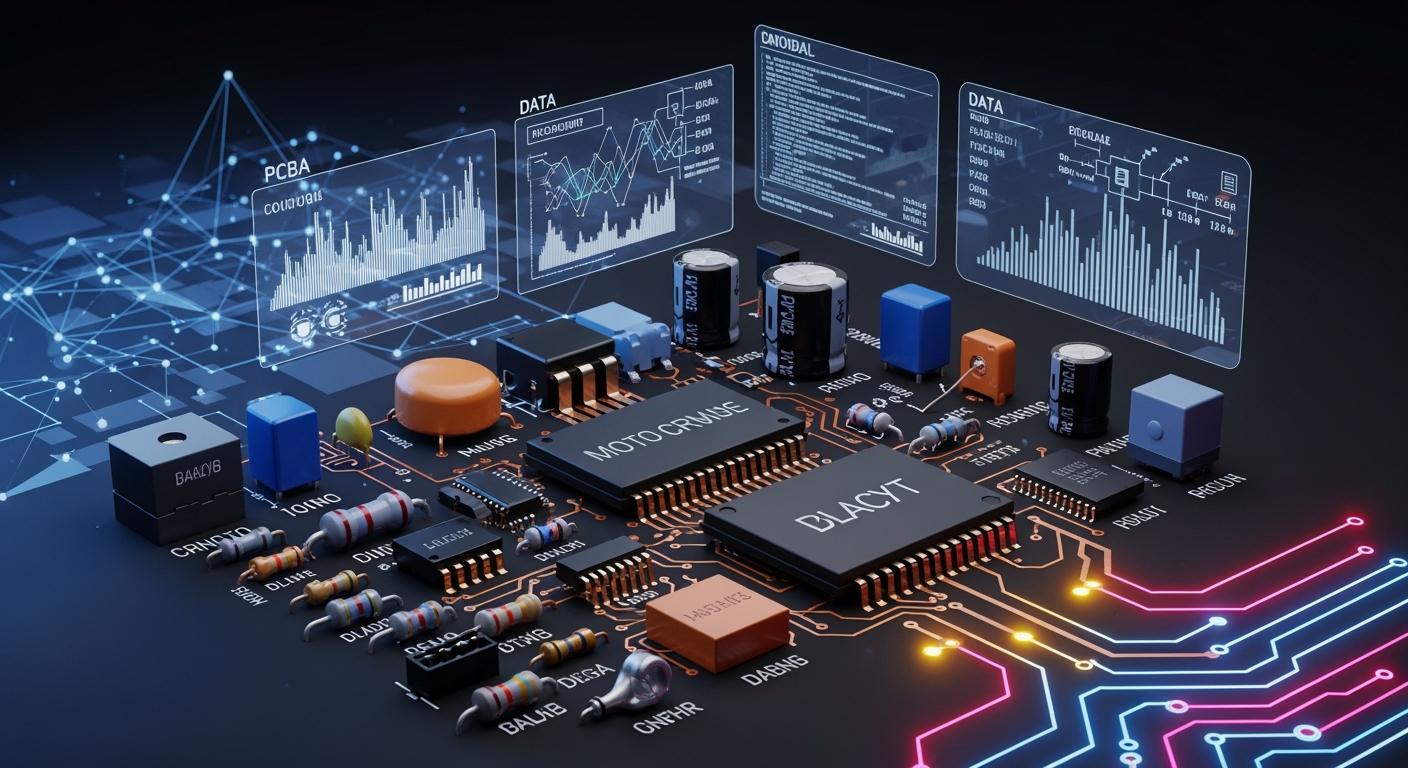
You will see many electronic components on a printed circuit board (PCB). But active electronic components are the most common in today’s PCBA market. These include microprocessors, microcontrollers, memory chips, power management ICs, and sensors. People use these electronic components more because of new advancements in AI, IoT, electric vehicles, and cloud computing.
Other common electronic components are resistors, capacitors, inductors, diodes, and connectors. Each electronic component is important for the PCB to function correctly. If you know about these electronic components, you can build, fix, and enhance electronic devices.
Tip: If you know what each electronic component does and its type, it is easier and better to work with PCBs.
Key Takeaways
Active components like microprocessors and sensors are very important for modern PCBs. They help devices do advanced things.
Resistors control how much current flows. They protect other parts. Potentiometers let you change settings like volume and brightness.
Capacitors store energy and release it. They help keep voltage steady. They also filter out noise in circuits.
Inductors store energy in a magnetic field. They make current smoother. They filter signals to keep circuits working well.
Knowing what each component does helps you build devices. It also helps you fix and improve electronic devices.
Essential Electronic Components
When you look at printed circuit boards, you see many parts. These parts help your pcb work the right way. You need to know how each part works to build or fix devices. The most common parts are resistors, capacitors, and inductors. Each part does something special in electronic circuits.
Resistors and Potentiometers
Resistors are very important parts on a circuit board. You use resistors to slow down the flow of electricity. They control current, split voltages, and set rules in your pcb. This keeps other parts safe from too much current. It also helps your printed circuit boards last longer.
Potentiometers are a kind of resistor you can change. You can turn them to adjust resistance in a circuit. This lets you control things like volume or brightness. Potentiometers are used in audio gear, home devices, and machines.
Tip: Fixed resistors always stay the same, but potentiometers can be changed.
Here is a quick comparison:
Type of Resistor | Application | Adjustability |
|---|---|---|
Potentiometer | Used in audio gear for volume and sensor settings | Adjustable resistance for control |
Fixed Resistor | Used for limiting current and dropping voltage | Resistance stays the same |
You find potentiometers in devices where you change settings, like volume or screen brightness. Fixed resistors are best when you need resistance that does not change.
Resistors:
Slow down the flow of electricity
Keep other parts safe from too much current
Split voltages and set circuit rules
Potentiometers:
Work as resistors you can change
Control brightness, volume, and other settings
Used as voltage dividers and position sensors
Capacitors
Capacitors are another important part of circuit boards. You use capacitors to store and release electricity. They help keep voltage steady and remove noise in your pcb. Capacitors also work with resistors and inductors to filter signals and keep voltage stable.
There are a few main types of capacitors you see on circuit boards:
Ceramic capacitors: Small and reliable, used in fast circuits
Electrolytic capacitors: Hold lots of charge, good for power supplies
Tantalum capacitors: Very steady and reliable, great for low-voltage circuits
Capacitors do many jobs:
Decoupling: They keep power steady for sensitive parts
Filtering: They take away unwanted noise from signals
Energy buffering: They store energy and give it out when needed
Tuning and resonance: They help set frequency in radio and audio circuits
Capacitors let AC pass but block DC. This makes them good for filtering signals and keeping voltage steady. You find capacitors in almost every pcb because they are so important.
Inductors
Inductors are also important parts on circuit boards. You use inductors to store energy in a magnetic field. They help smooth out current and filter bad signals in your pcb. Inductors work with capacitors and resistors to keep your circuit boards working well.
Here is a table showing what inductors do and where you use them:
Role | Application |
|---|---|
Energy storage | Power supply control, signal filtering |
Current stabilization | Smoothing out voltage and current changes |
Noise suppression | Used with capacitors to keep signals clean |
You find different kinds of inductors on circuit boards:
Type of Inductor | Description |
|---|---|
Toroidal | Used for blocking EMI and storing energy |
Solenoid | Common in power supply circuits |
Good for small designs in pcb |
Inductors store energy in a magnetic field and fight changes in current. Capacitors store energy in an electric field and help keep voltage steady. Resistors slow down current and protect other parts. These parts work together to make sure your pcb works right.
Note: Inductors are very important in power supplies, filters, and circuits that block noise.
When you know how resistors, capacitors, and inductors work, you can use these parts with confidence. These circuit board parts are the base of most printed circuit boards.
Active Components
Active components are very important in your pcb. They change and control electrical signals. Passive components only store or use energy. Active components can make signals bigger, turn them on or off, or control them. This makes them needed for advanced electronic jobs.
Diodes and LEDs
Diodes let current go one way only. You use diodes to change AC to DC. They also protect circuits from too much voltage and help control voltage. Light Emitting Diodes (LEDs) are special diodes. LEDs make light when current goes through them. They show signals, make displays, and give light on your pcb.
Type of Diode | Function |
|---|---|
Rectifier Diodes | Change AC to DC in power supplies. |
Zener Diodes | Control voltage by letting reverse current at a set voltage. |
Light Emitting Diodes | Make light for displays and indicators. |
Here are some main differences between LEDs and regular diodes:
Feature | LED Diodes | Standard Diodes |
|---|---|---|
Working Principle | Make light when forward voltage is used. | Let current go one way only. |
Forward Voltage (Vf) | Changes by color (like 3.3V for blue, 2.2V red) | About 0.7V for silicon diodes. |
Applications | Used for lights, displays, and backlighting. | Used for changing current and keeping voltage steady. |
Transistors and SCRs
Transistors work as switches or amplifiers in your pcb. They take small signals and make them bigger. You see transistors in power supplies, audio amplifiers, and digital circuits. Silicon Controlled Rectifiers (SCRs) are mostly used as switches for big power jobs like motor controls and light dimmers. SCRs do not make signals bigger. They control large currents and voltages.
Function | Transistor | SCR |
|---|---|---|
Amplification | Can make small signals bigger | Cannot make signals bigger |
Switching | Switches and makes signals bigger | Used mainly for switching only |
Integrated Circuits (ICs)
Integrated circuits put many electronic parts into one chip. They do hard jobs like computing, signal processing, and power management. You find integrated circuits in almost every pcb, from simple devices to advanced electronics.
Common types of integrated circuits are:
Type of IC | Typical Applications |
|---|---|
Microcontrollers | Complete computing systems, data processing |
Operational amplifiers | Making signals bigger and changing them |
Voltage regulators | Keeping output voltage steady |
Analog ICs | Handling signals that change smoothly |
Digital ICs | Working with binary data |
Mixed-signal ICs | Processing real-world signals |
Knowing about these active electronic parts helps you build, fix, and improve your pcb projects.
Note: Active components control how circuits work. Passive components help or change signals.
Other Key Components
Transformers and Relays
You see transformers and relays on many circuit boards. These parts help your power supply work well and safely.
Transformers move energy between circuits with electromagnetic induction.
They change voltage up or down for different parts.
Transformers keep parts of a circuit separate for safety.
They remove noise and help control power.
Relays are automatic switches. A small signal can control a big current. This lets you use low-power circuits to run high-power devices. Relays also keep control and power circuits apart. This makes your power supply safer.
Type of Transformer | Application Description |
|---|---|
Planar Transformers | Used in telecom for high-power jobs. |
Pulse Transformers | Send signals and keep circuits separate in devices. |
Switching Transformers | Used in switch-mode power supplies for good voltage control. |
Audio Transformers | Match impedance and cut noise in audio gear. |
Tip: Relays are used in homes, buildings, factories, and cars. They control lights, motors, and pumps.
Crystals and Oscillators
Crystals and oscillators help your power supply keep time and speed. Crystal oscillators use quartz to make a steady timing signal. This keeps circuits running smoothly and stops timing mistakes. The quartz crystal’s size and shape set the frequency. You need these parts for good communication and control.
Crystal oscillators give a steady timing signal.
They use quartz’s piezoelectric effect.
They keep your power supply at the right frequency.
Connectors and Sensors
Connectors and sensors link your power supply to other things. Connectors make physical and electrical links between your circuit board and other modules. They let power and data move between parts.
Board-to-board connectors join two PCBs for small designs.
Wire-to-board connectors connect wires to a PCB for power and signals.
Input/output connectors let your power supply talk to other devices.
Sensors notice changes in the environment. They turn heat, light, or motion into signals your power supply can use. You see sensors in thermal checks, cars, wireless networks, and vibration checks.
Note: Connectors and sensors help your power supply work with other parts and the world around it.
Component Packaging and Identification
Common IC Package Types
You see different packages for integrated circuits on PCBs. These packages keep the IC safe and connect it to the board. The most common types are:
DIP (Dual In-line Package): Has two rows of pins. The pins go through holes in the PCB. You can put it in sockets or solder it. DIP packages are simple to use. They are good for learning and testing.
SMD (Surface Mount Device): Includes Small-Outline Packages and Quad Flat Packages. These have tiny pins and sit flat on the PCB. SMD parts make boards smaller and lighter. They help circuits work faster and make assembly quicker.
BGA (Ball Grid Array): Uses small solder balls instead of pins. This lets you fit more connections in less space. BGAs work better for fast circuits.
Picking the right package changes how you build your PCB. Through-hole parts like DIP are bigger and easy to solder by hand. Surface mount parts save space and work with machines. BGAs need special tools and careful work.
Reading Part Numbers
Part numbers help you find out what a component is. They tell you about what it does and its type. Sometimes, they show specs too. For example:
Component Type | Example Part Numbers | Information Provided |
|---|---|---|
Integrated Circuits (ICs) | LM358, ATmega328 | Function, pin layout, specs |
Transistors/MOSFETs | 2N2222, IRF540 | Device type, electrical features |
Manufacturers use two main ways to number parts:
Significant (intelligent) systems: The number gives details about the part.
Non-significant systems: The number is random and does not show specs.
A part number may have a category code, a number, and a variation code. Knowing this helps you pick the right parts and avoid mistakes.
Using Datasheets
Datasheets give you important details about a component. They show pin layouts, limits, and how to use the part. When you look at a datasheet, check:
Supply voltage and current limits
Pin layout and package type
Thermal and mechanical properties
Maximum operating frequency
Reading datasheets helps you keep your circuit safe and working well. For example, an IC datasheet may say the max input voltage is 5.5V. If you use more than this, the part can break.
Tip: Always check datasheets before using new parts. This helps you avoid errors and makes your circuit more reliable.
If you know package types, read part numbers, and use datasheets, you can pick the right parts and build better PCBs.
You now know about the main electronic components in PCBA and what they do. Here is a simple summary:
Component Type | Function | Example in PCBA |
|---|---|---|
Resistors | Stop too much current | Keep LEDs safe from burning |
Capacitors | Keep voltage steady | Make power smooth in chargers |
Diodes | Let current go one way | Stop batteries from getting damaged |
Transistors | Turn signals on or off | Make sound louder in earbuds |
ICs | Do many jobs together | Work as the “brain” in devices |
Connectors | Join parts together | Link keyboards to motherboards |
LEDs | Show if something is working | Tell you if power is on |
If you understand these parts, you can put them in the right place and fix things faster.
Tip: Try to find real components on a PCB to get better at this.
FAQ
What is the difference between active and passive components?
Active components can change and boost signals. They help circuits do more jobs. Passive components only hold or use energy. They help shape or support signals in a circuit.
How do you identify a component on a PCB?
You find part numbers, shapes, and pin layouts. You look at datasheets for more info. A magnifying glass helps you see tiny marks.
Why do you need capacitors in a circuit?
Capacitors hold and give out energy. They keep voltage steady and block noise. This helps your circuit work better.
Can you replace a resistor with a potentiometer?
You can use a potentiometer if you want to change resistance. You cannot use it if you need resistance to stay the same. Always check what your circuit needs first.
What does a connector do in PCBA?
A connector links two parts together. You use connectors to join boards, wires, or devices. They make building and fixing circuits easier.
See Also
How To Source Electronic Components For PCBA Assembly
Understanding The Meaning Of PCBA In Electronics
Essential Materials Required For PCBA Manufacturing Process
Exploring PCBA And Its Key Components In Electronics
PCBA Processing Standards For Medical Equipment Applications
